
Murmint 5.2
- Better Clipboard replaces the Windows clipboard. Win + V opens what you copied, Win + . opens emoji. Pin items, search, and drag it anywhere. It never keeps what Murmint types for you.
- Formatted once, at the end. Everything you say is collected and formatted in one go when you stop, instead of piece by piece.
- Key presses. Say “press enter”, “hit tab” or “press space” and Murmint presses the key while it types.
- Auto-detect does more: new lines, new paragraphs, quotes and repeated speech, not just lists.
- Windows 11 look with Segoe UI, Mica, Fluent switches and cards. Everything starts in dark mode.
- A clickable shortcut recorder during setup, and a new last step where you can try dictating straight away.
- The text formatter (Ctrl + Alt + F) shows the app’s icon in the pill while it works.
- A new dark installer and uninstaller.
- Double formatting and voice training are gone. Formatting everything at the end replaces double formatting.
Murmint 1
- Murmint 1, Murmint’s own speech model. It runs on your PC, so turning your voice into text is free, private and works offline. It is the default for everyone and downloads during setup (about 39 MB).
- Sign in with Discord when Murmint opens. Uninstalling signs you out.
- A new setup that downloads Murmint 1 and asks for each shortcut, one at a time.
- A new Models page with Speech and Formatting side by side. Automatic formatting uses the best and cheapest model you have added.
- Double formatting under Writing → Cleanup formats every dictation a second time for cleaner text.
- Better writing: spoken punctuation and corrections work in every app, names are kept exactly as you say them, and pauses inside a thought join into one paragraph.
- A new installer and uninstaller. Uninstalling removes Murmint 1 and your sign-in, and keeps your settings unless you choose to delete them.
- The accent setting is gone. Speech support still handles stutters and speech differences.
A brand new Murmint
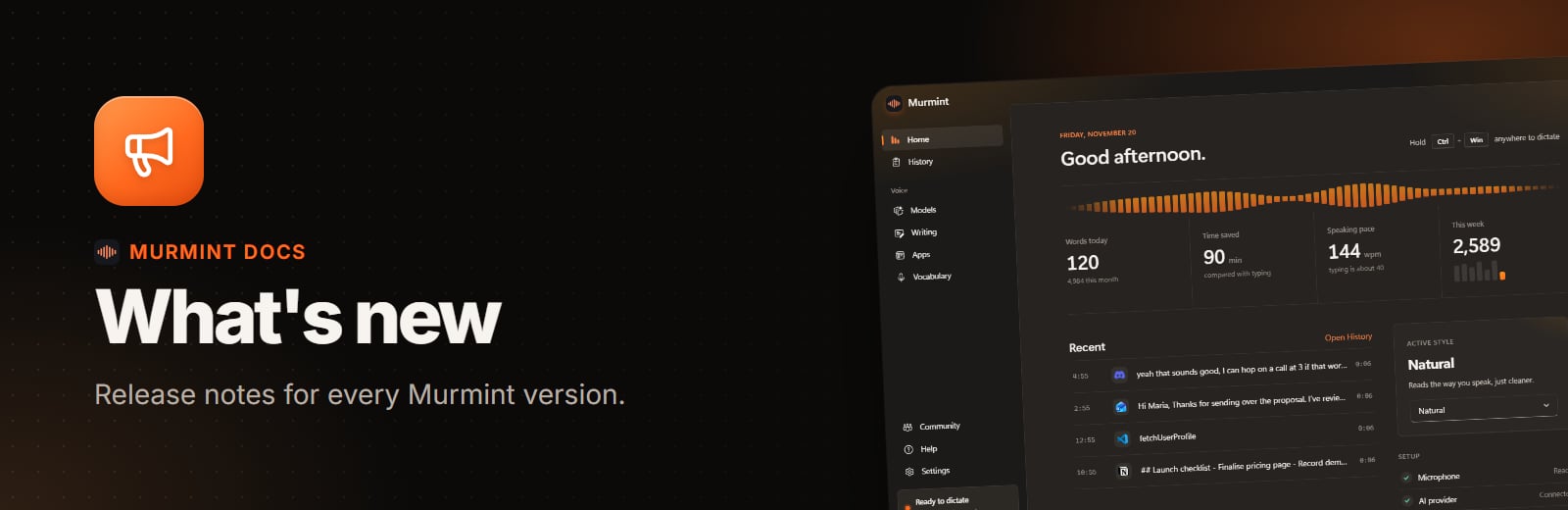
- New look with a fresh Home page, a live waveform, smooth page transitions and a light and dark theme that switch together everywhere.
- New Models page. Pick models from a list, see what Automatic chose, and add providers with real logos. Keys are tested the moment you paste them.
- Format selection: highlight text you typed and press Ctrl+Alt+F to format it like a dictation.
- Auto-detect replaces spoken commands: name three things and you get a list.
- Better prompts turns requests to Claude, ChatGPT, Cursor and VS Code into clear, organised prompts.
- History shows the real app icon for every dictation, grouped by day.
- Writing has a draggable rewrite slider, inline rules and a tag field for words to avoid.
- Rewritten formatting instructions that make lists and prompts properly, including in VS Code.
- A new installer in light mode with screenshots of the new app.
- Text is now always put in once, when you finish speaking.