
General
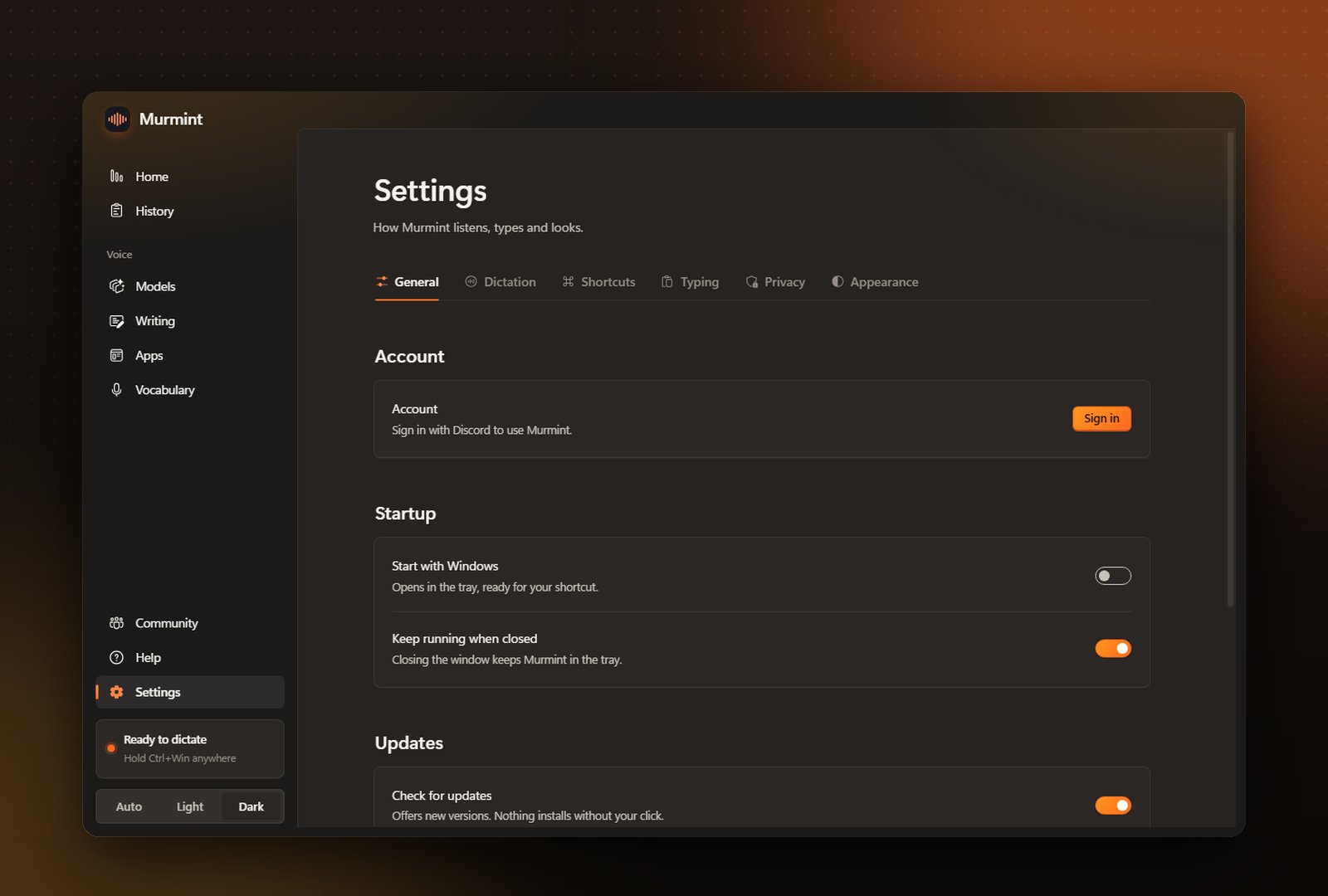
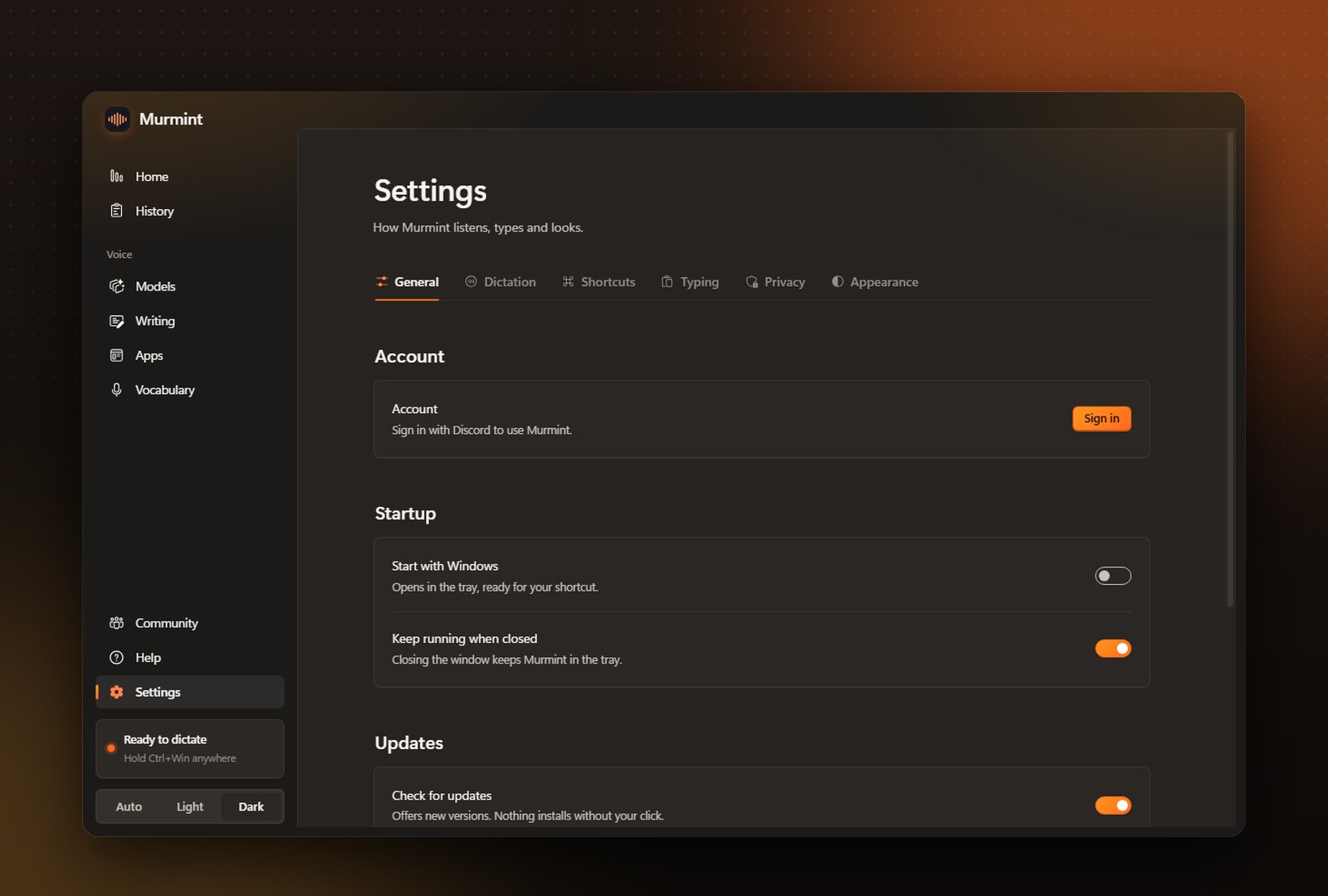
General
Start with Windows, keep running in the tray when closed, automatic updates, and your account (signed in with Discord), where you can sign out.
Dictation
Dictation
Microphone, live transcription, hold to talk, message context (reads the text before your cursor for better continuity), spoken language and speech support.
Shortcuts
Shortcuts
Change any shortcut.
Typing
Typing
Paste or clipboard only, restore your clipboard afterwards, and add a trailing space.
Privacy
Privacy
Save history, how long to keep it, and whether your vocabulary is sent to the speech model.
Appearance
Appearance
Theme (Auto, Light or Dark), accent colour, and the dictation pill.
A closer look
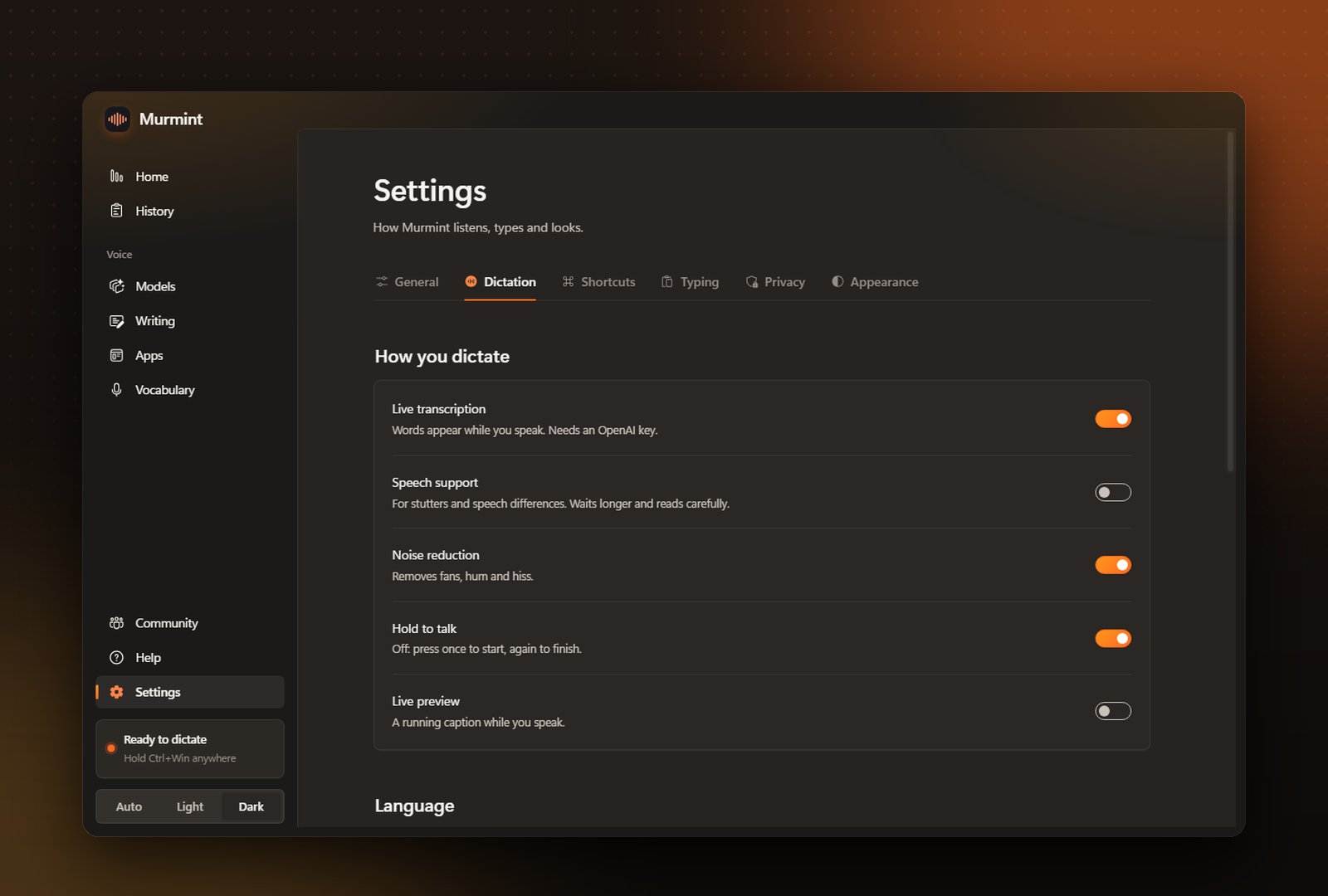
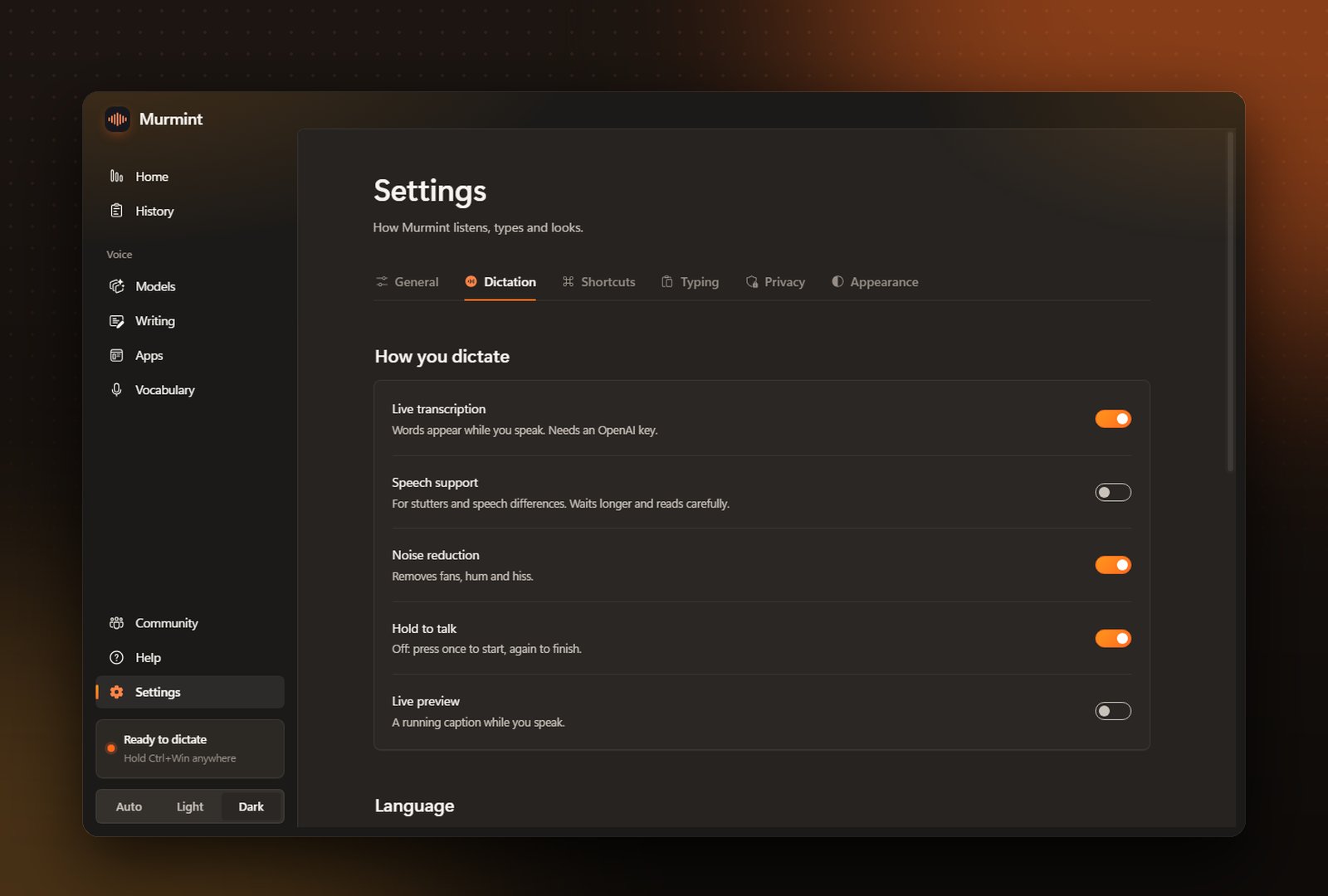
How you dictate: live transcription, speech support, noise reduction and hold to talk
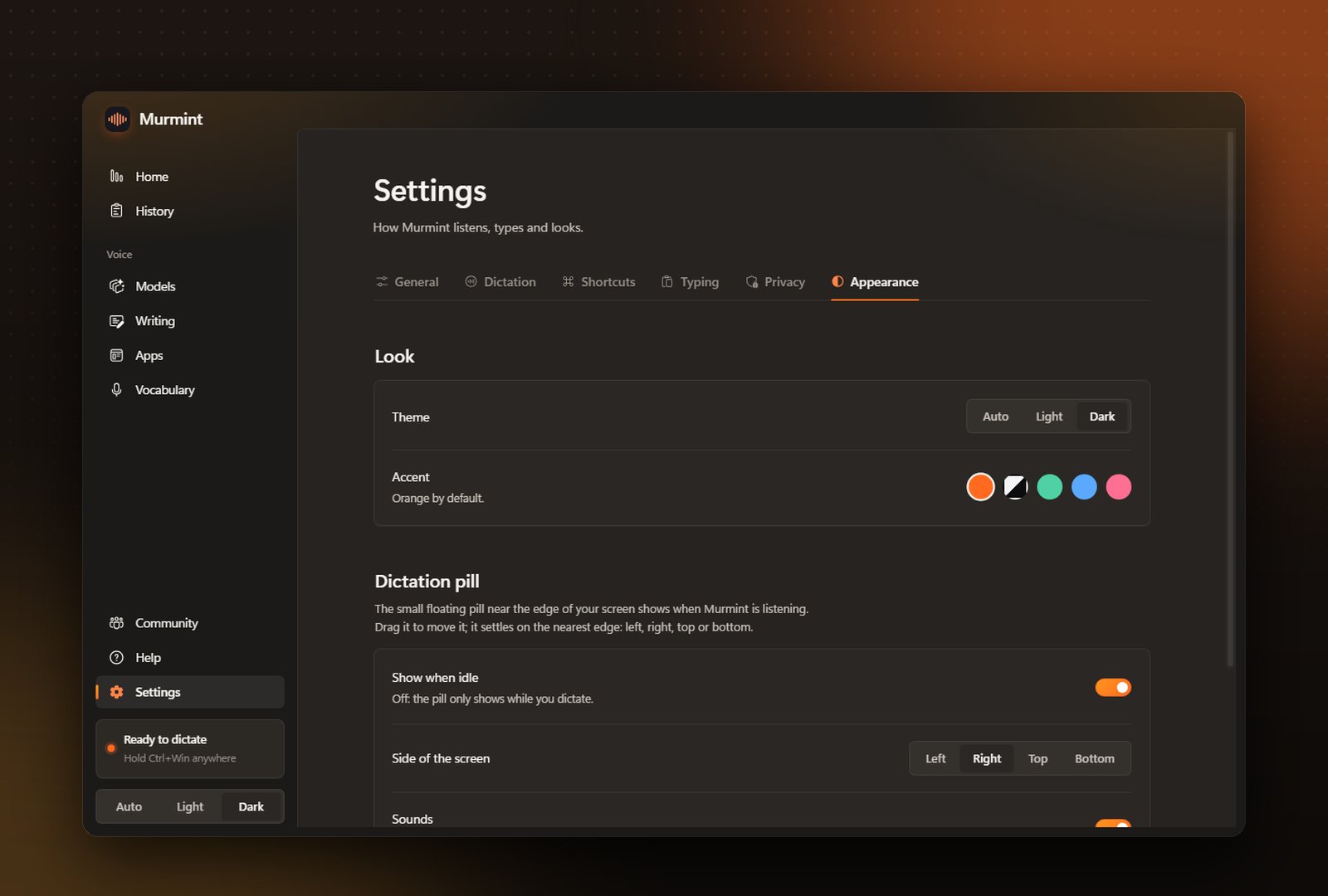
Light, dark or match Windows. Murmint starts in dark mode