
1
Create a key
Go to platform.openai.com/api-keys and choose Create new secret key.
2
Add billing
The API has its own pay-as-you-go billing under Settings → Billing. A few dollars lasts a long time.
3
Add it to Murmint
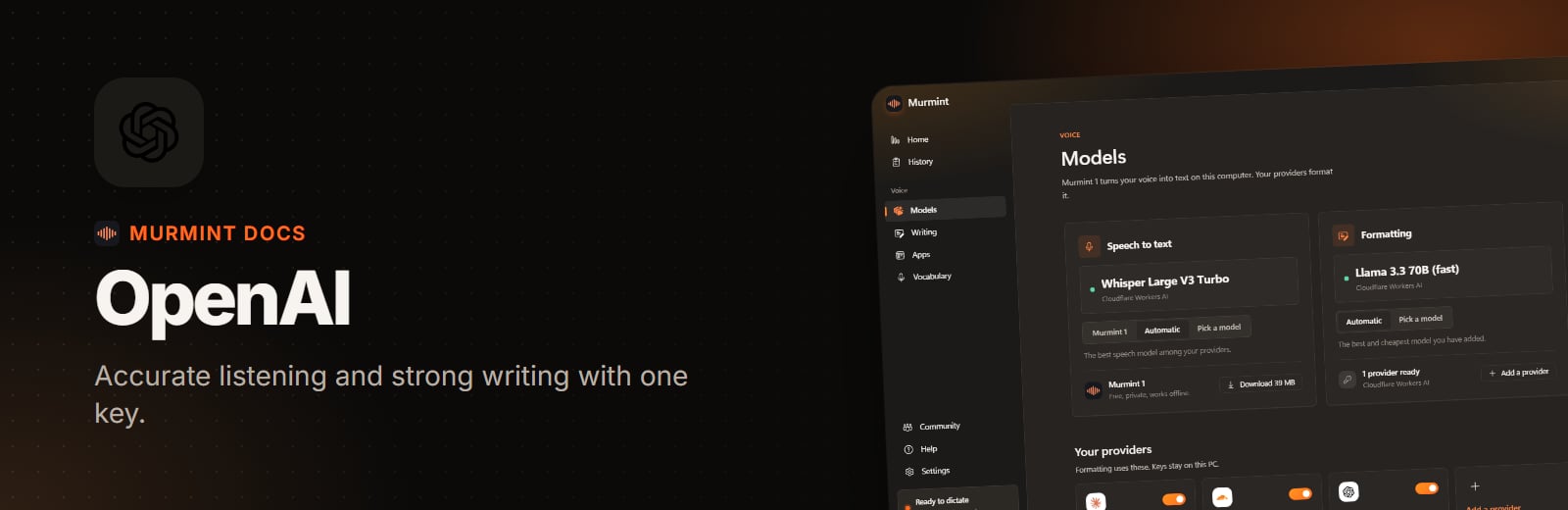
Open Models, click OpenAI API, paste the key, and press Add and test.