Pick a style, add rules and choose how much to rewrite
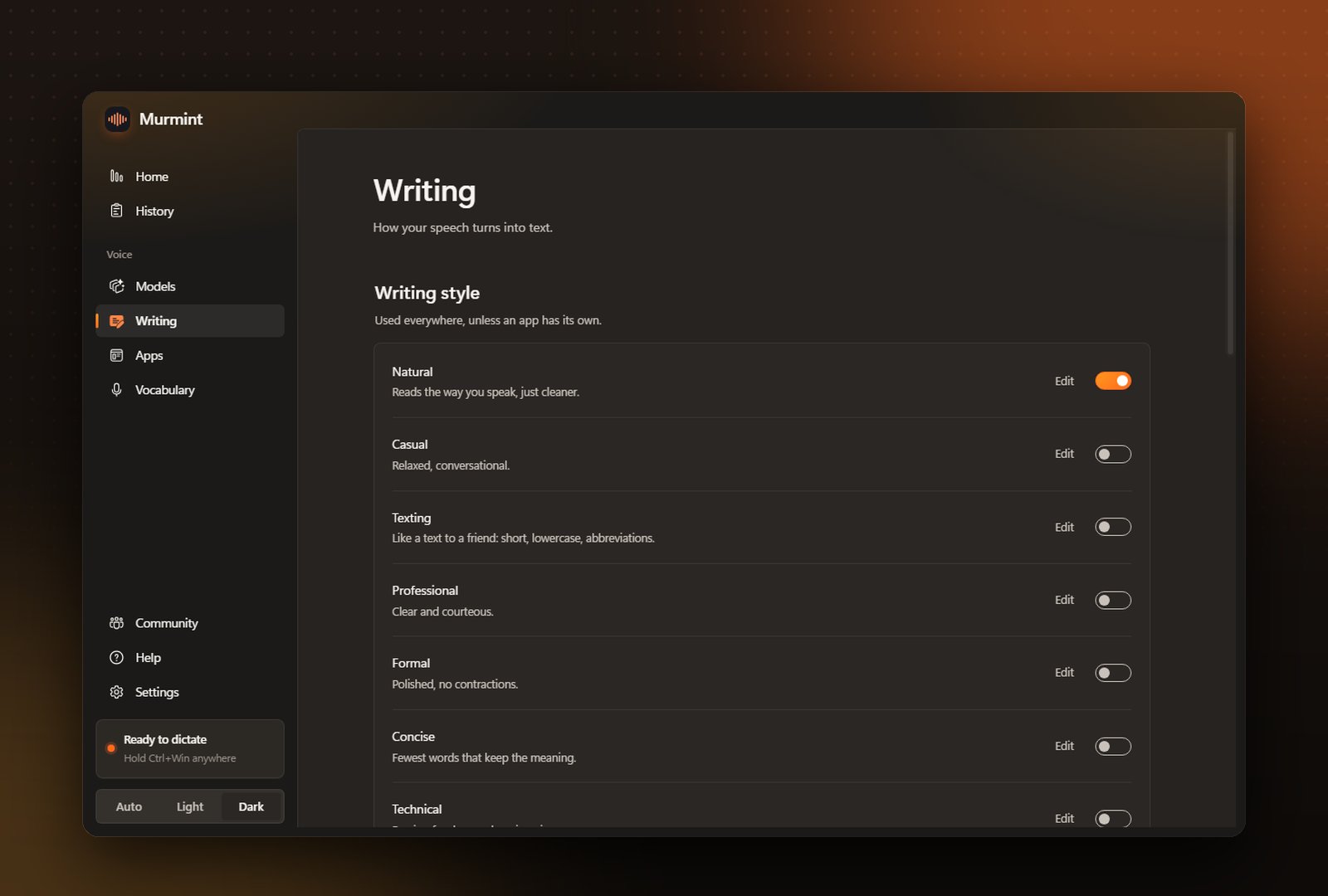
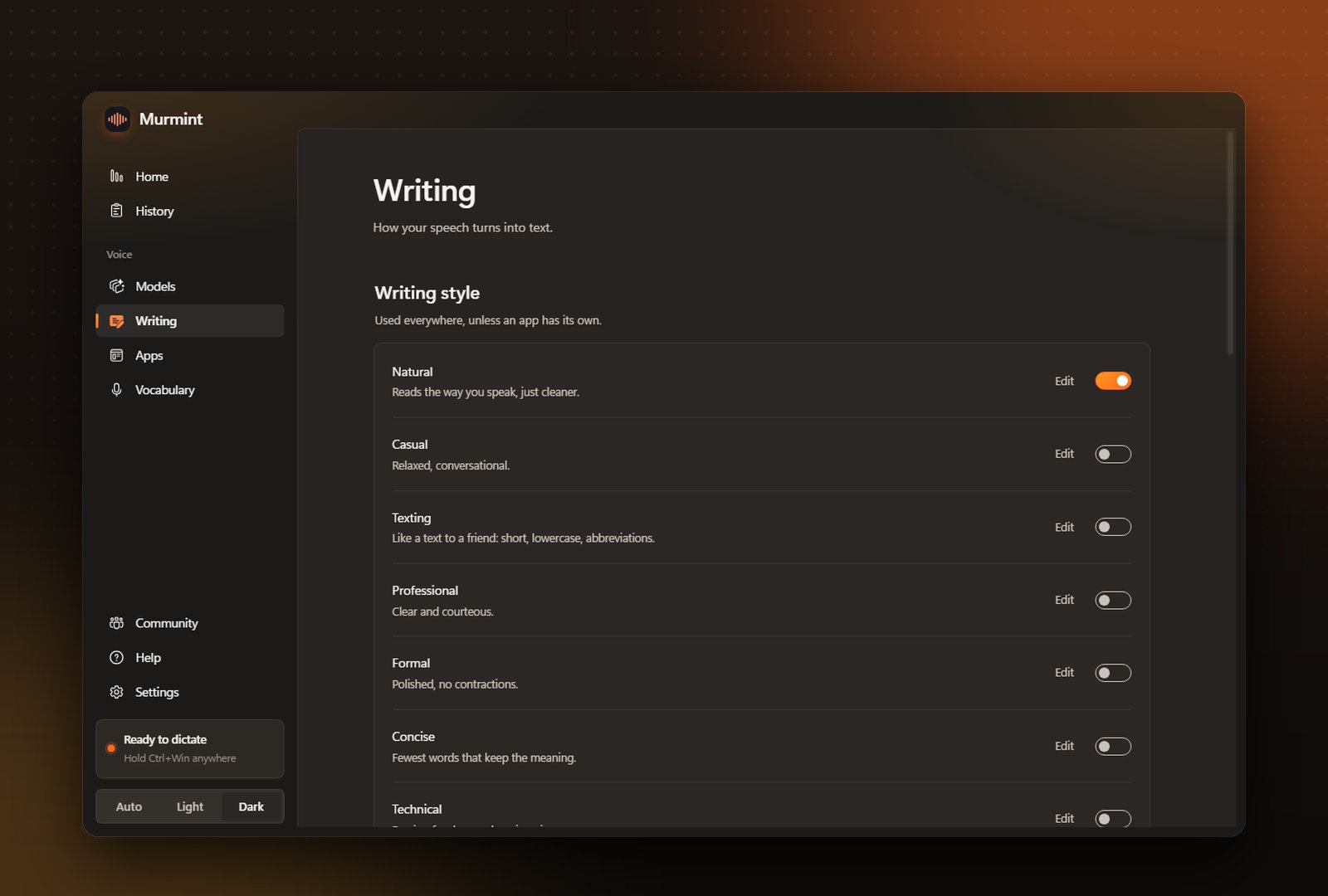
Writing style
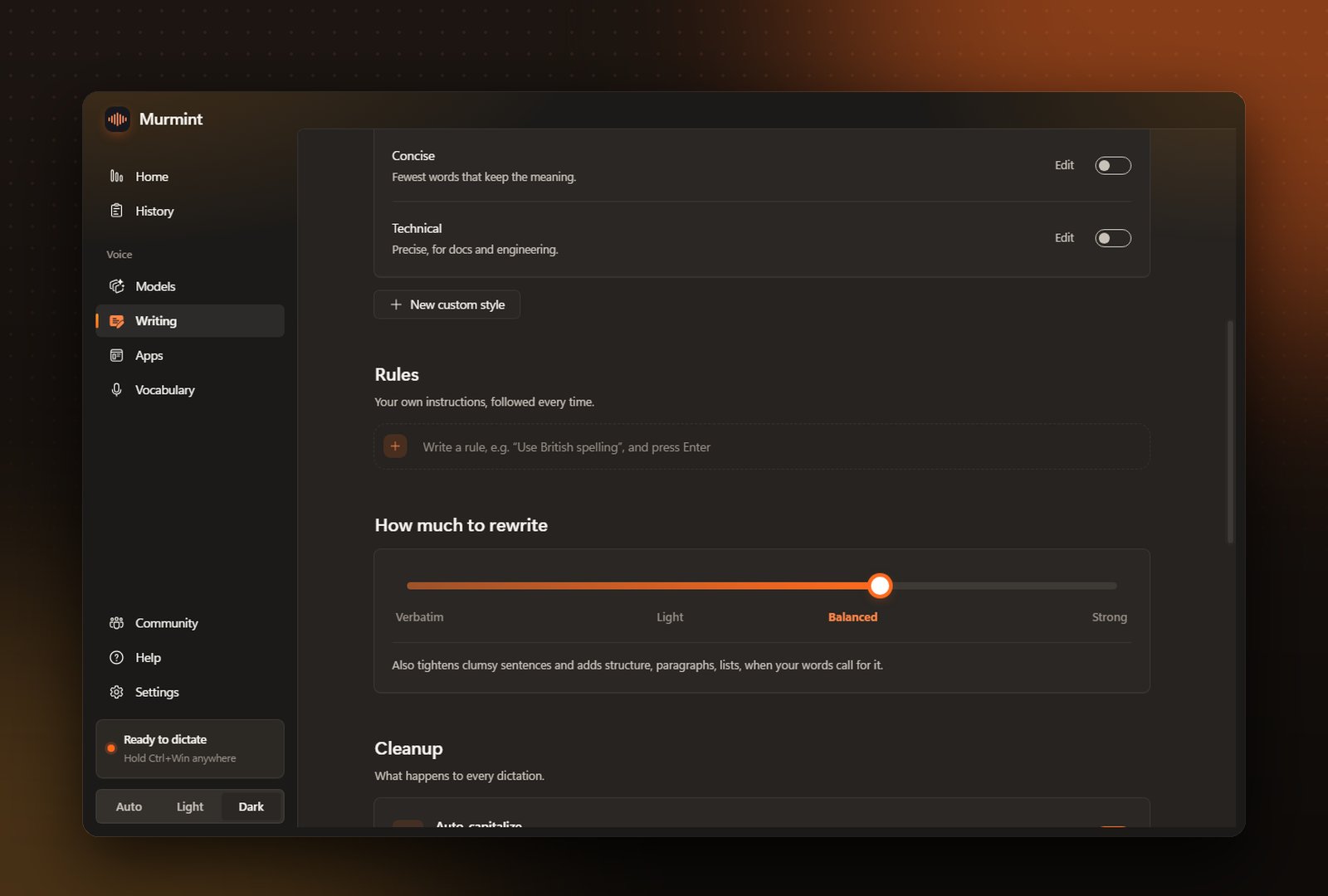
Turn on the style you want: Natural, Casual, Professional, Formal, Concise or Technical. Click Edit to change what the AI is told, or create your own with New custom style. A style applies everywhere unless an app has its own under Apps.Rules
Your own instructions, followed every time: “Use British spelling”, “Never use exclamation marks”, “Sign emails Cheers, Sam”. Type a rule in the dashed row and press Enter. Click any rule to edit it, and use its switch to turn it off.How much to rewrite
Drag the slider: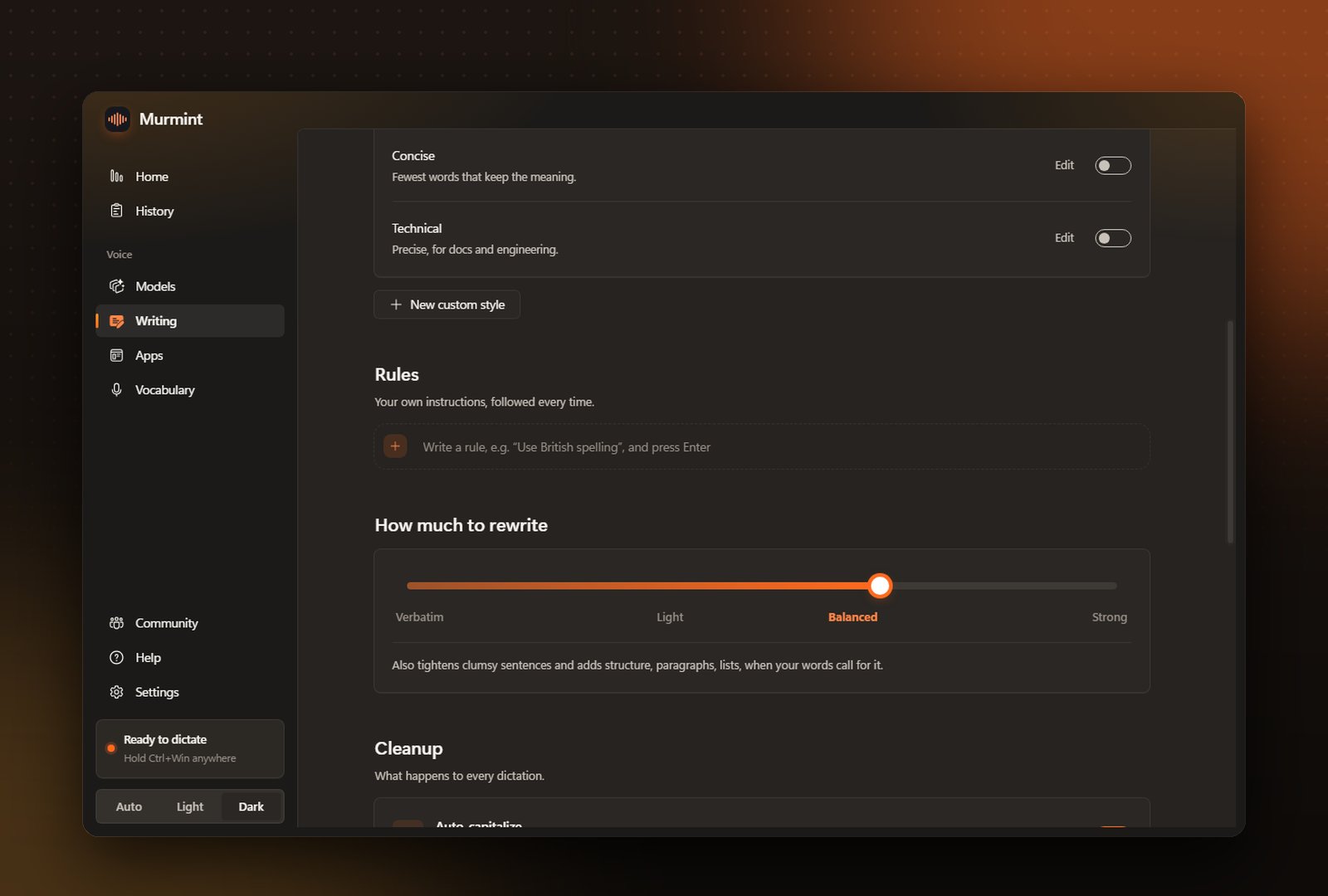
Cleanup and smart formatting
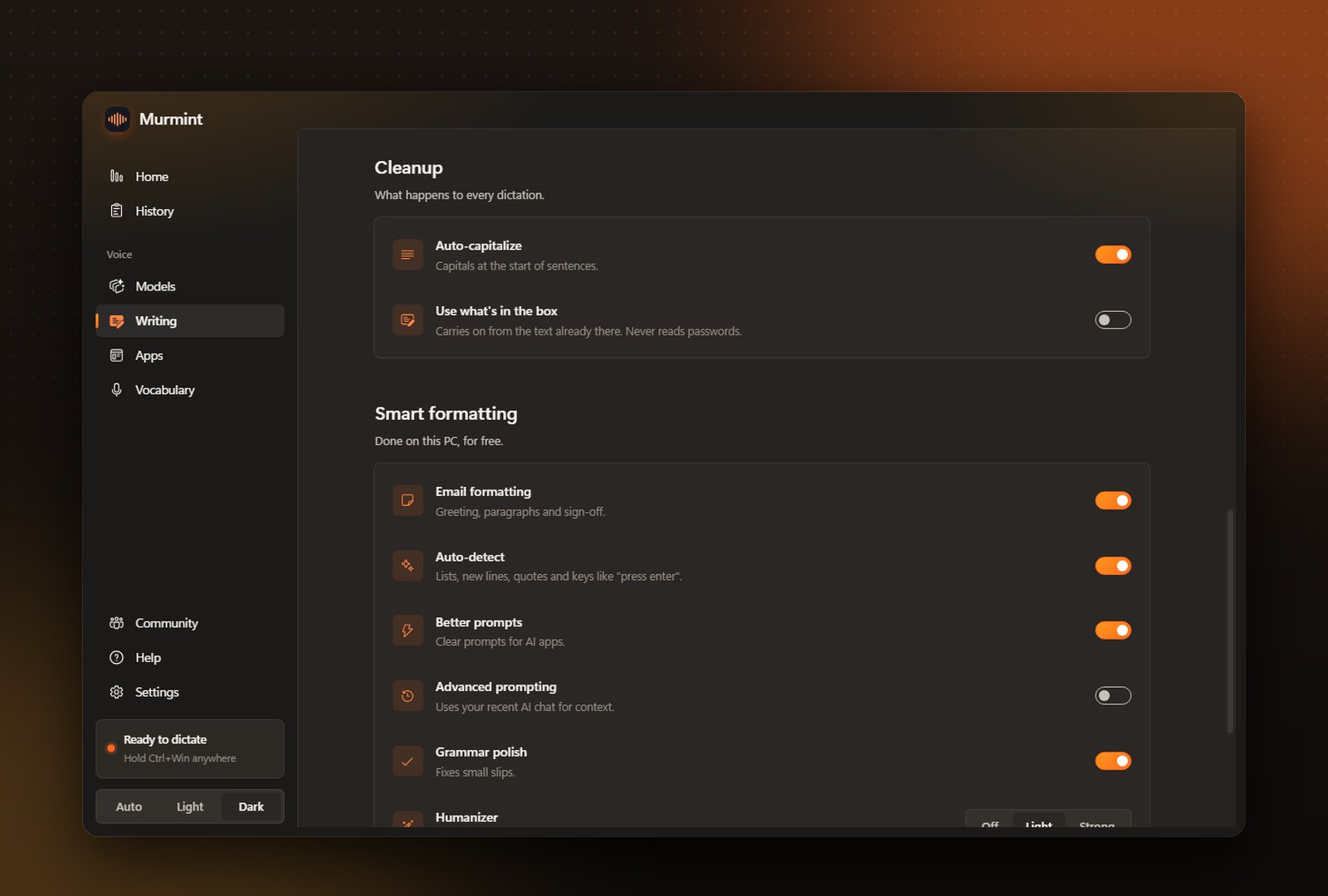
Auto-detect

Better prompts

Email formatting

Humanizer