
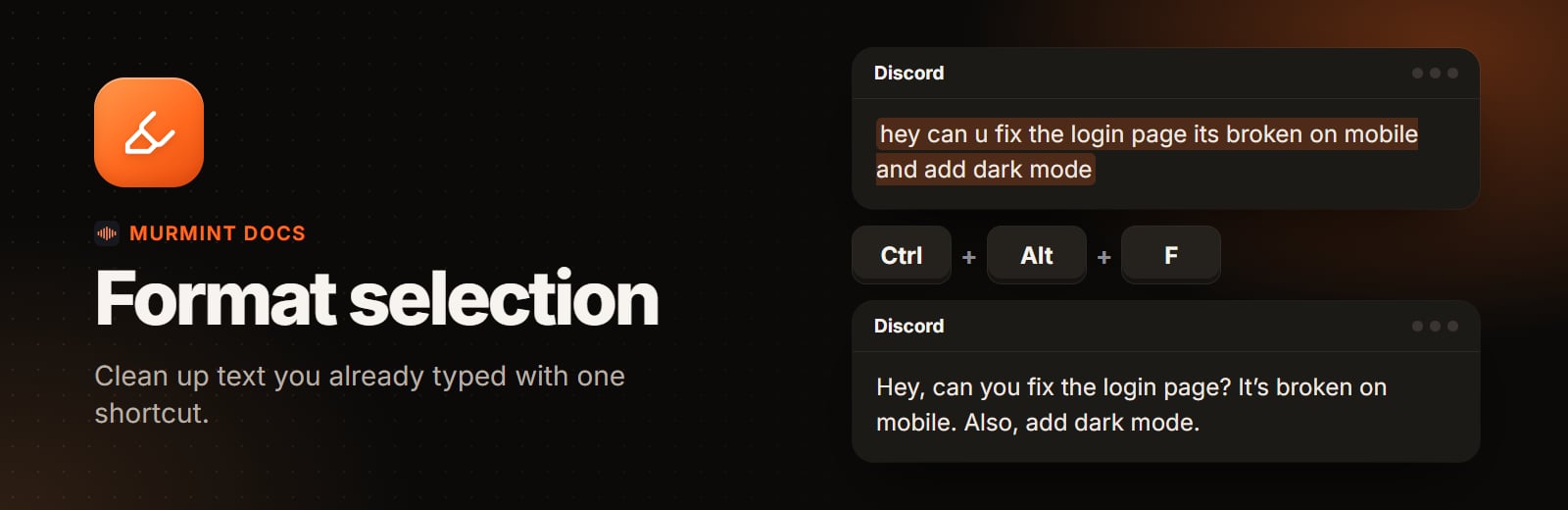
Highlight the text
Select any text in any app: a message, an email draft, a prompt for an AI.
Press the shortcut
Ctrl + Alt + F. The pill shows it is working.
Done
The selection is replaced with the formatted version. Press Ctrl + Alt + Z to undo it.
Example
- You typed
- In an AI chat it becomes
hey can u fix the login page its broken on mobile and also add dark mode and dont touch the footer