1
Find your Account ID
Sign in to the Cloudflare dashboard, open Workers AI, then Use REST API. Copy the 32-character Account ID.
2
Create an API token
Open My Profile → API Tokens, choose Create Token, and use the Workers AI template. Copy the token.
3
Add it to Murmint
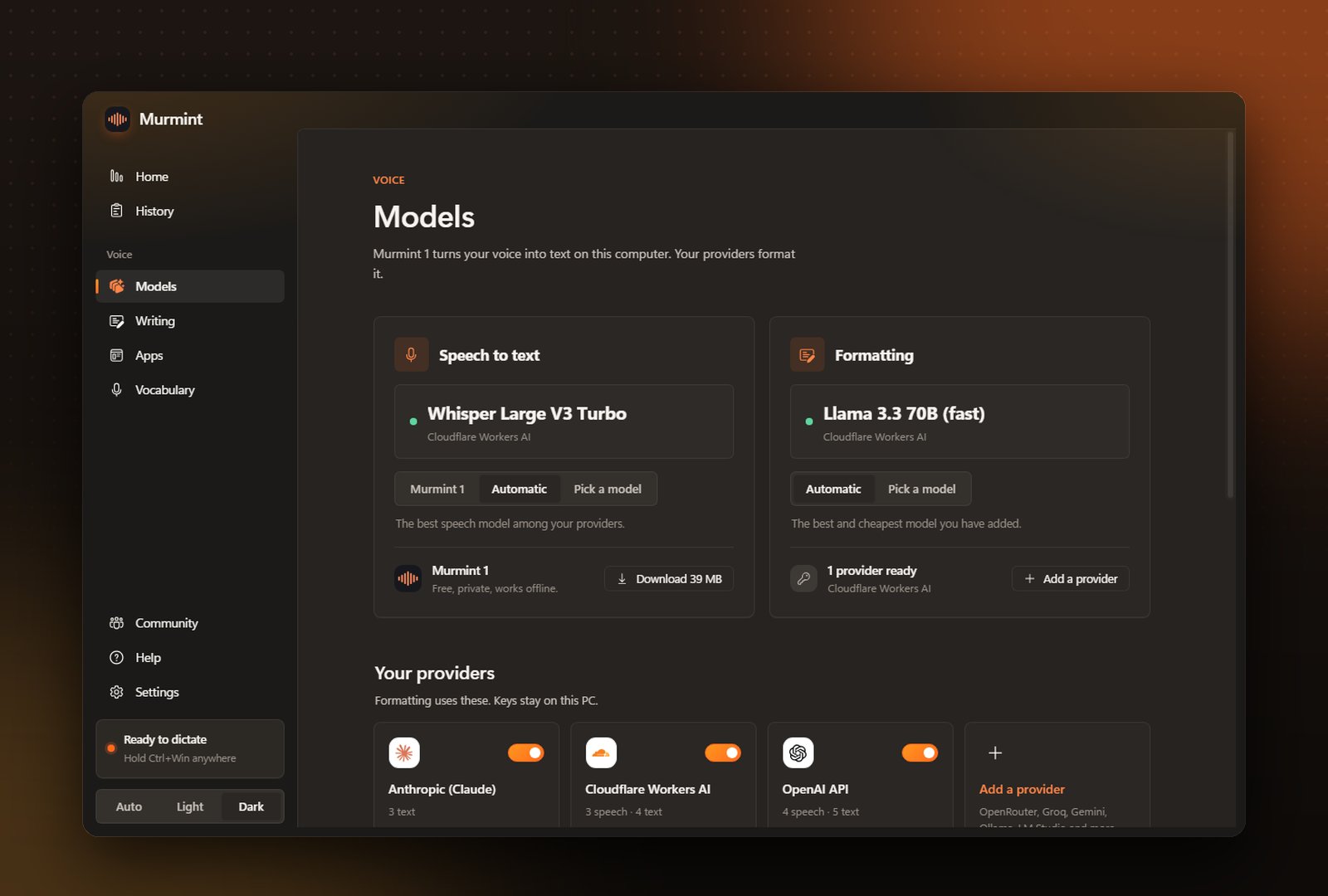
In Murmint open Models, click Cloudflare Workers AI, paste both, and press Add and test.