
1
Create a key
Go to console.groq.com/keys and create an API key.
2
Add it to Murmint
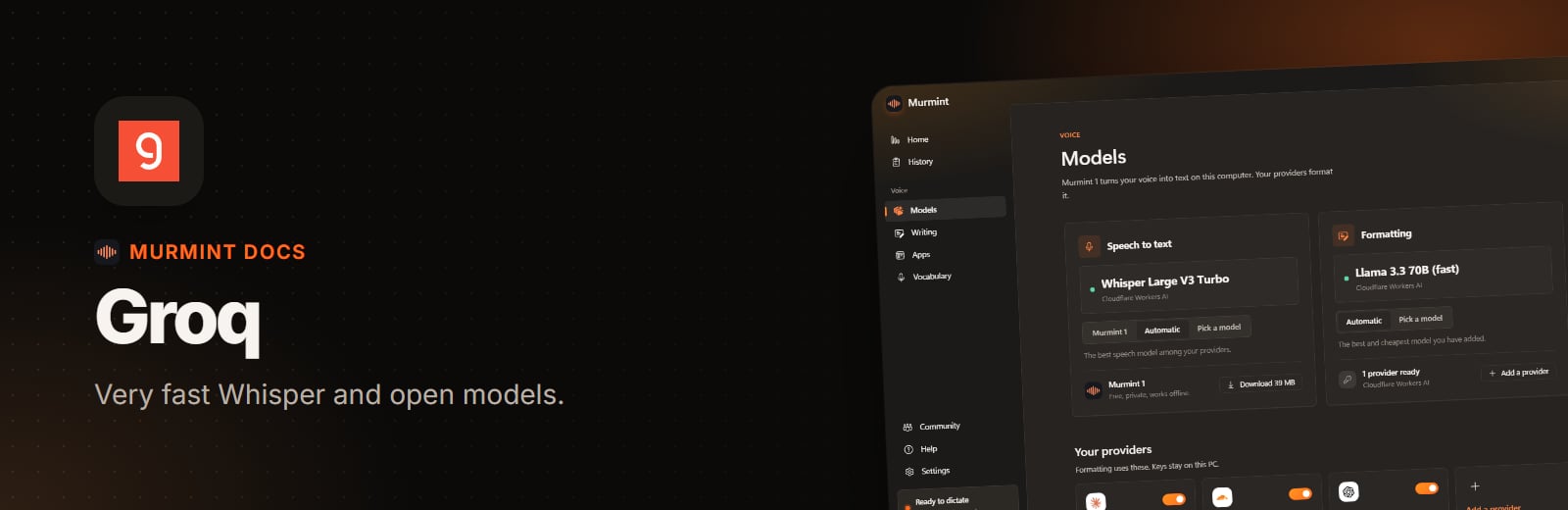
Open Models, click Add a provider, pick Groq, paste the key, and press Add provider. Murmint tests the key and lists the models.
3
Choose models
Tick a Whisper model for listening and a Llama model for writing.