
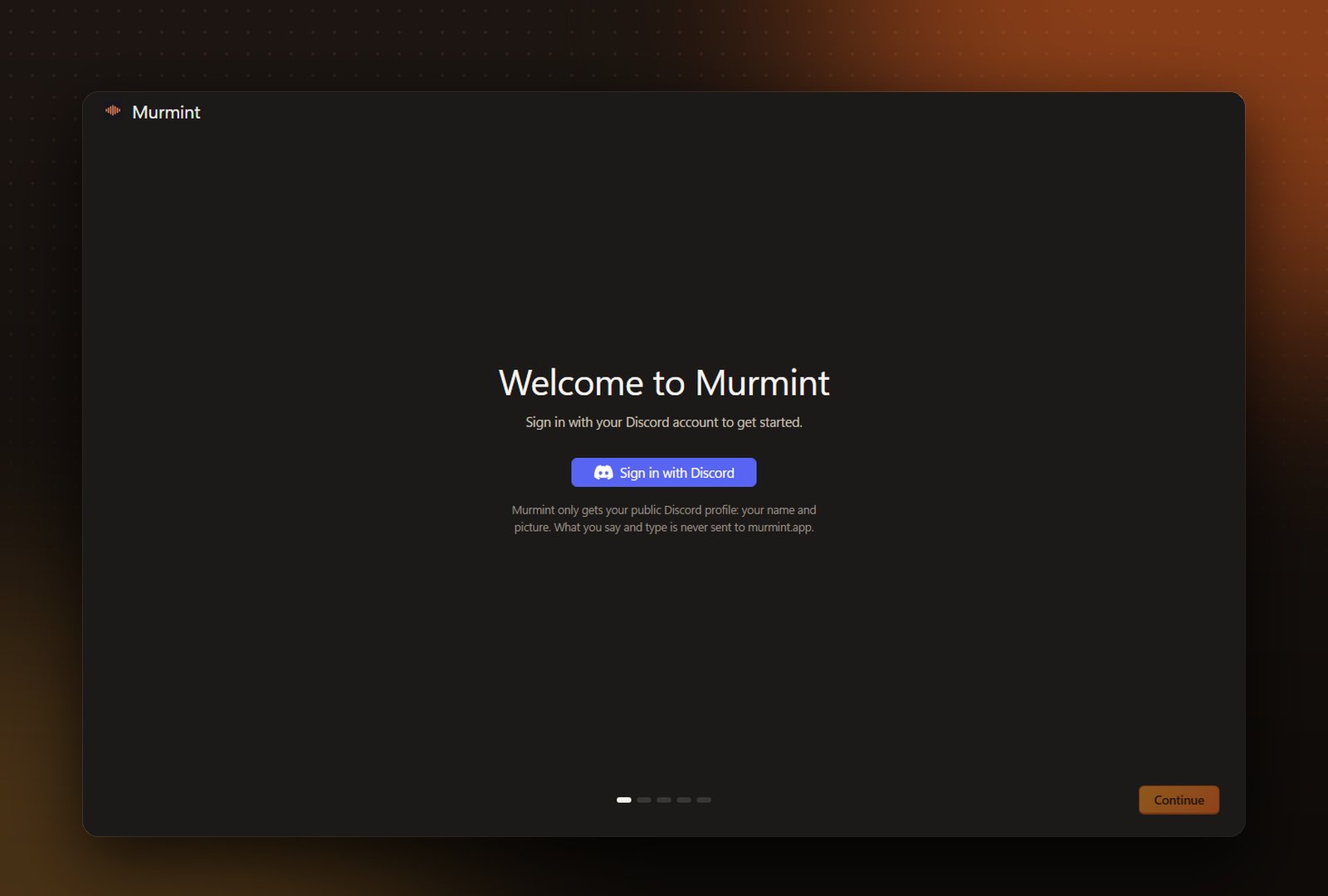
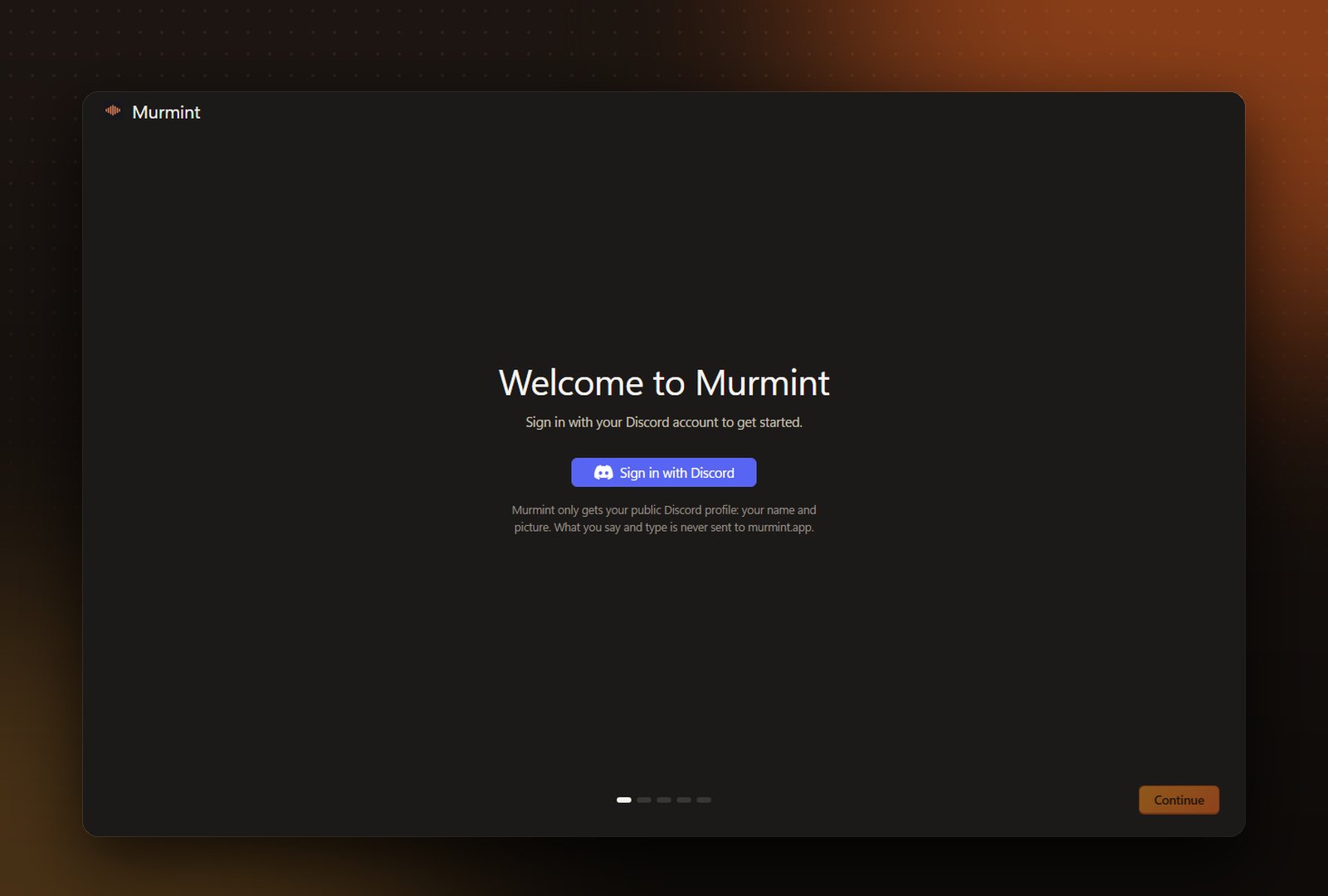
Sign in with Discord, get Murmint 1, then pick your shortcuts by clicking each box
Download and install
Download the installer from murmint.app/download and run it. It installs for your account, so no administrator rights are needed. Leave Open Murmint when done on.
Sign in and set up
When Murmint opens, sign in with your Discord account. Murmint then downloads Murmint 1, its own speech model (about 39 MB), and asks for each shortcut, one at a time: click the box, hold the keys you want, then let go. On the last screen you can try dictating straight away.
Murmint 1 runs on your PC, so turning your voice into text is free, private and works offline.
Add an AI provider for formatting
Open Models and click a provider, or Add a provider. Paste your API key and press Add and test. Murmint checks the key straight away. This model cleans up and formats what you said.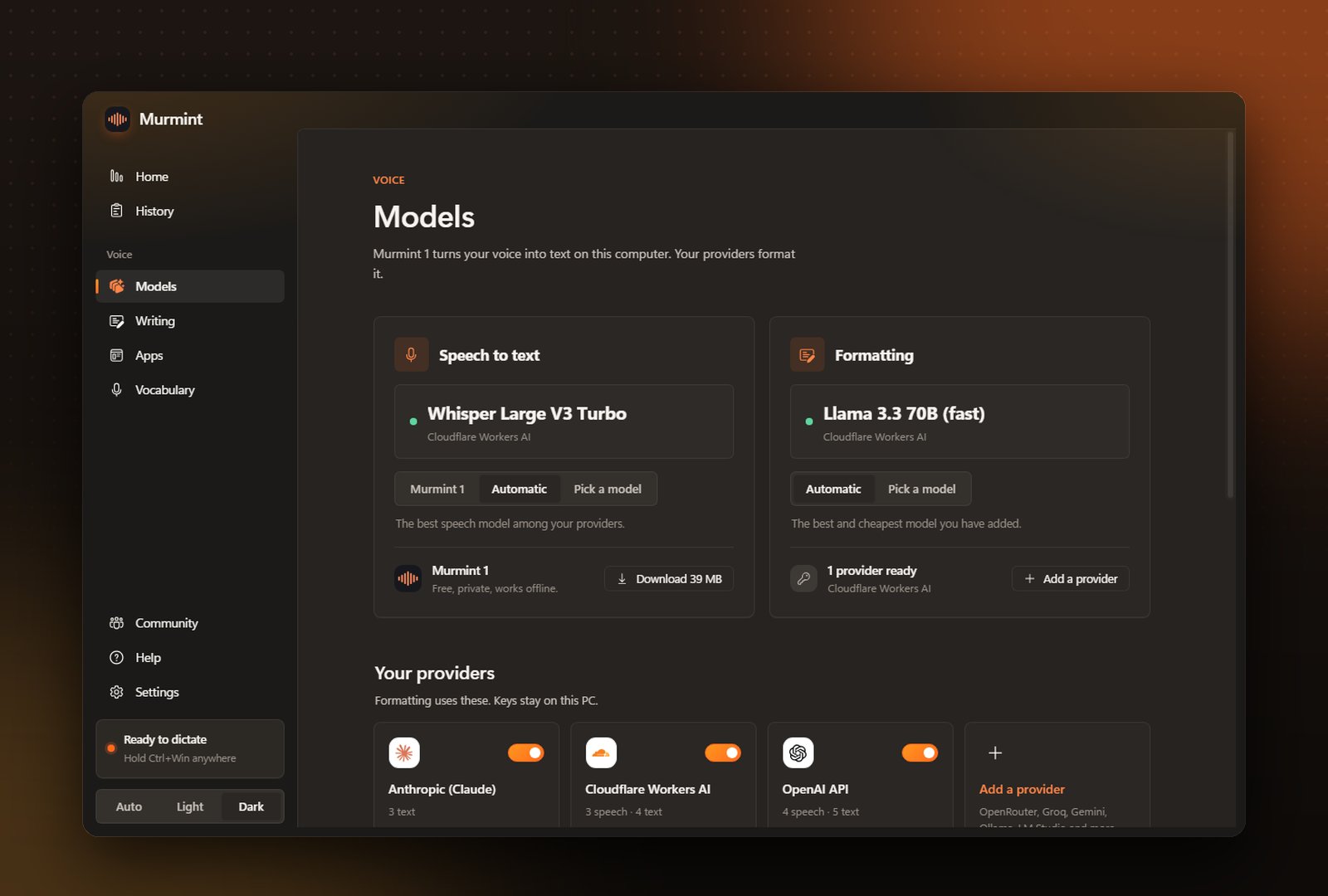
Dictate
Click in any text box, hold Ctrl + Win, talk, and let go. The text appears where your cursor is.
Make it yours
Pick a writing style under Writing, give apps their own style under Apps, and teach it your words under Vocabulary.